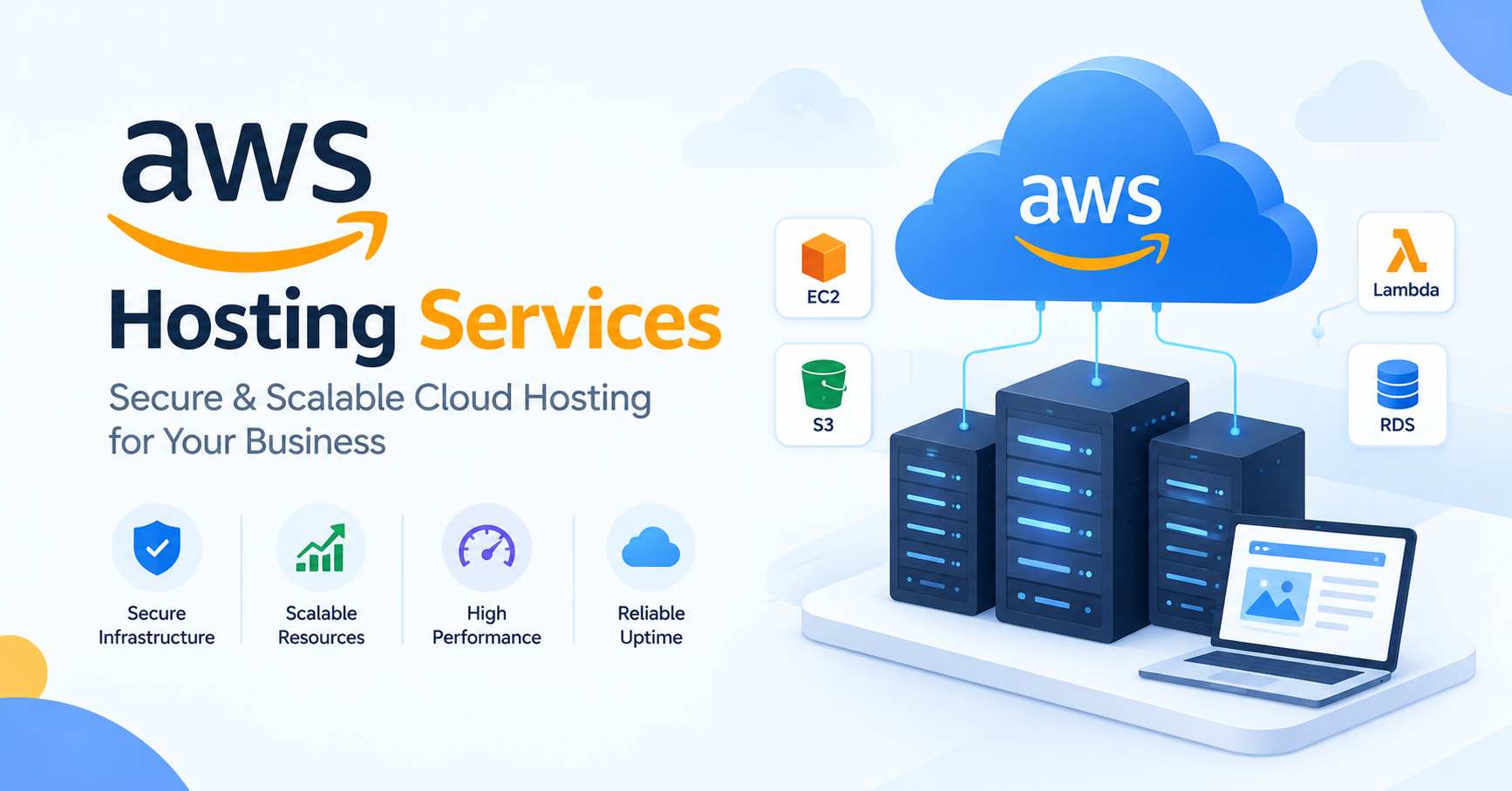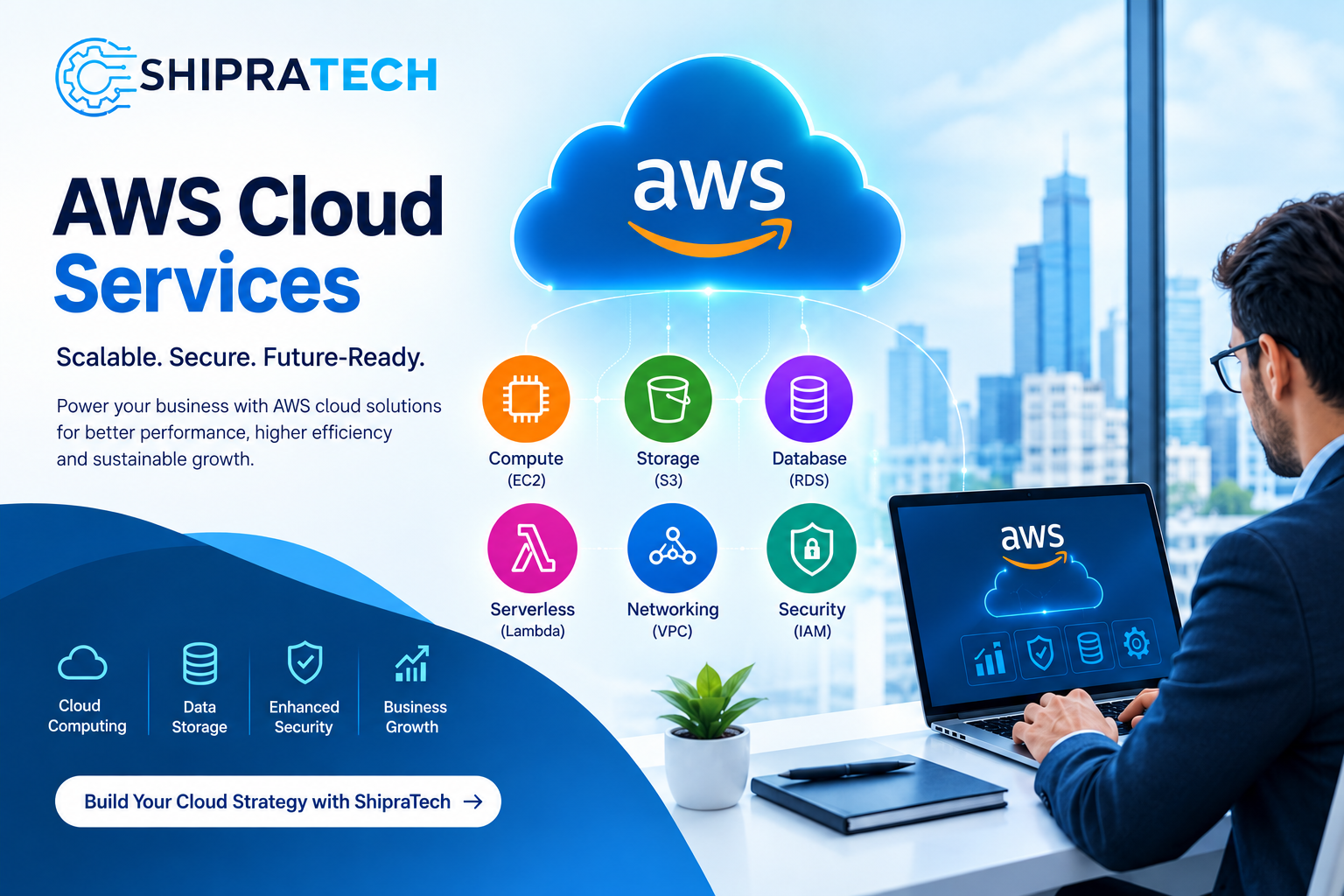
Businesses need reliable computing infrastructure to run websites, applications, databases, and enterprise workloads. As digital operations grow, managing physical servers can become expensive and difficult to scale. Cloud computing offers a flexible alternative by allowing businesses to use computing resources according to their requirements.
AWS EC2 Services help businesses deploy and manage virtual servers in the cloud. Amazon Elastic Compute Cloud (Amazon EC2) provides configurable computing capacity that can support everything from small business websites to demanding enterprise applications.
With the right setup, businesses can improve infrastructure flexibility, manage computing costs, and build a cloud environment that supports future growth. In this guide, we explore Amazon EC2, its benefits, pricing considerations, and how to choose the right EC2 configuration.
What Are AWS EC2 Services?
AWS EC2 Services are cloud computing services that allow users to launch virtual servers, known as instances, on Amazon Web Services (AWS).
Businesses can select instance types, operating systems, storage options, networking configurations, and security settings based on their workloads. This flexibility makes EC2 suitable for a wide range of computing requirements.
Amazon EC2 can be used for:
- Hosting business websites and web applications
- Running business software and application backends
- Deploying development and testing environments
- Processing data and running computing workloads
- Supporting enterprise applications
- Hosting workloads that require customized server configurations
Instead of purchasing and maintaining physical servers, businesses can provision cloud computing resources when needed.
Key Benefits of Amazon EC2
1. Flexible Computing Resources
Amazon EC2 offers different instance families designed for general-purpose computing, compute-intensive applications, memory-intensive workloads, and other specialized requirements.
Businesses can choose a suitable instance type based on application performance, memory requirements, and expected traffic.
2. Scalability for Growing Businesses
EC2 supports infrastructure scaling as business needs change. Businesses can add instances or use services such as EC2 Auto Scaling to adjust capacity according to configured policies and demand.
This can help websites and applications handle traffic fluctuations without relying on a single fixed server configuration.
3. Security and Access Control
AWS provides security capabilities such as security groups, network controls, IAM permissions, encryption options, and monitoring tools.
Proper configuration is essential. Businesses should follow least-privilege access, restrict unnecessary network ports, apply security updates, and monitor server activity.
4. Flexible Storage Options
EC2 instances can use Amazon Elastic Block Store (EBS) for persistent block storage. Additional storage and backup options can be selected according to application requirements.
Choosing appropriate storage capacity, performance, and backup policies helps support application reliability and data protection.
5. Cost Optimization
AWS EC2 offers different purchasing options, including On-Demand Instances, Savings Plans or Reserved Instances for eligible usage, and Spot Instances for suitable interruptible workloads.
Selecting the right option depends on workload duration, flexibility, and usage patterns. Regular monitoring can help identify underutilized instances and unnecessary resources.
AWS EC2 Setup and Configuration
A properly configured EC2 environment helps businesses maintain performance, security, and operational efficiency.
Step 1: Select the Right Instance Type
Evaluate your workload before choosing an instance. Consider processor requirements, memory, storage performance, expected traffic, and application dependencies.
A small website may need fewer resources than a database-intensive application or a high-traffic e-commerce platform.
Step 2: Choose an Operating System
AWS EC2 supports multiple operating system options, including supported Linux distributions and Windows Server images.
Your selection should depend on software compatibility, licensing requirements, administration preferences, and application needs.
Step 3: Configure Networking and Security
Configure the appropriate Virtual Private Cloud (VPC), subnets, routing, and security groups. Restrict access to necessary ports and use secure administration methods.
Production environments may also require private subnets, load balancing, monitoring, and additional security controls.
Step 4: Configure Storage and Backups
Select appropriate EBS volumes and establish a backup strategy. Amazon EBS snapshots can help protect supported volume data, but backup retention and recovery procedures should be planned and tested.
Step 5: Monitor Performance
Use Amazon CloudWatch and other suitable monitoring tools to review CPU utilization, network activity, status checks, and application performance.
Monitoring helps identify resource bottlenecks and provides information for future scaling and cost optimization.
Understanding AWS EC2 Pricing and Cost
AWS EC2 pricing depends on several factors, so businesses should evaluate expected usage before deploying their infrastructure.
Important cost factors include:
- Instance type: Different instance families and sizes have different rates.
- Operating system: Certain operating systems and software configurations may involve additional licensing costs.
- Running time: Charges depend on the applicable billing model and instance usage.
- Storage: EBS volumes, snapshots, and related storage services can add to the total cost.
- Data transfer: Applicable data transfer charges depend on traffic direction, destination, and service configuration.
- Additional services: Load balancers, monitoring, backup services, and other resources may incur separate charges.
How to Optimize AWS EC2 Cost
Businesses can manage AWS EC2 cost by reviewing utilization, choosing right-sized instances, removing unused resources, and selecting appropriate purchasing options.
Consider these practices:
- Monitor resource utilization regularly.
- Stop non-production instances when they are not required, where appropriate.
- Use Auto Scaling for workloads with changing demand.
- Evaluate Savings Plans or Reserved Instances for eligible predictable workloads.
- Use Spot Instances only when the application can tolerate interruptions.
- Review storage, snapshots, and data transfer costs.
- Set AWS Budgets and billing alerts to track spending.
Actual costs depend on region, configuration, usage, and applicable AWS rates. Always verify current pricing using the official AWS pricing tools before making a purchasing decision.
Why Choose Professional AWS EC2 Service Management?
Setting up a cloud server is only one part of running a reliable infrastructure environment. Ongoing management may include security updates, monitoring, backup planning, troubleshooting, resource optimization, and performance reviews.
An experienced AWS service provider can help businesses:
- Assess workloads and select appropriate EC2 instances
- Configure cloud servers and networking
- Review access controls and security settings
- Establish monitoring and backup procedures
- Identify opportunities to optimize cloud spending
- Plan scaling and infrastructure improvements
For businesses without a dedicated cloud engineering team, professional assistance can simplify implementation and ongoing administration.
How ShipraTech Can Help with AWS EC2 Services
ShipraTech helps businesses explore cloud infrastructure solutions aligned with their technical and operational requirements. When planning an EC2 deployment, businesses should consider application needs, security requirements, expected traffic, backup policies, and budget.
Whether you are launching a new application, migrating an existing workload, or reviewing your current cloud environment, a structured approach to AWS EC2 setup and management can help you make informed infrastructure decisions.
Discuss your requirements with ShipraTech to determine the appropriate next steps for your cloud environment.
Frequently Asked Questions (FAQs)
1. What are AWS EC2 Services?
AWS EC2 Services provide configurable virtual servers in the AWS cloud for hosting websites, applications, databases, and other computing workloads.
2. What is Amazon EC2 used for?
Amazon EC2 is used to run web applications, business software, development environments, computing workloads, and applications that require configurable virtual servers.
3. How much does AWS EC2 cost?
AWS EC2 pricing depends on instance type, region, operating system, usage duration, storage, data transfer, and purchasing options. Use the AWS Pricing Calculator to estimate your expected costs.
4. How can I reduce AWS EC2 cost?
You can review resource utilization, right-size instances, stop unused resources, optimize storage, and evaluate suitable purchasing options for predictable or flexible workloads.
5. Is Amazon EC2 suitable for small businesses?
Yes. Small businesses can use EC2 for websites and applications by choosing resources that match their workload and budget. Monitoring and cost controls are important as usage grows.
6. What is the difference between EC2 and AWS?
AWS is the broader cloud platform, while Amazon EC2 is one service within AWS that provides virtual computing capacity.
7. Can AWS EC2 handle high website traffic?
EC2 can support high-traffic websites when appropriately designed. Load balancing, Auto Scaling, caching, database capacity, and application optimization may be needed.
8. Do I need an AWS EC2 service provider?
Not necessarily. Technically experienced teams can manage EC2 themselves. A service provider can help with setup, security, monitoring, troubleshooting, and cost optimization when internal resources are limited.
Conclusion
AWS EC2 Services provide businesses with flexible cloud computing resources for hosting websites, running applications, and supporting enterprise workloads. With configurable instances, storage options, networking controls, and scaling capabilities, Amazon EC2 can support a wide range of infrastructure requirements.
However, choosing the right instance, securing access, monitoring performance, and managing AWS EC2 cost are essential for a successful deployment. Businesses should review their workloads and pricing options before selecting a configuration.
With proper planning and ongoing management, EC2 can provide a scalable cloud foundation that supports business growth while keeping infrastructure aligned with operational needs.
Get Started
Need a custom quote or help planning your AWS EC2 infrastructure?
ShipraTech
📞 +91 83770 04033
📧 connect@shipratech.com